Class Manager vs Studio Director: Dance Studio Software Comparison
Choosing the right dance studio software plays a big role in daily operations. Many studio owners compare Class Manager and Studio Director because both focus on studio administration.
This dance studio software comparison explains how each platform works. It highlights key differences in usability, features, and studio fit. The goal is to help studio owners make a clear and informed choice.
Overview: Class Manager vs Studio Director
 |
 |
|
|---|---|---|
|
Primary Focus |
Dance and performing arts studios |
Dance and activity-based studios |
|
Interface Style |
Traditional and simple |
Traditional with more options |
|
Setup Process |
Quick |
Longer |
|
Online Registration |
Yes |
Yes |
|
Billing & Payments |
Yes |
Yes |
|
Parent Portal |
Basic |
More detailed |
|
Reporting |
Basic |
Advanced |
|
Customization |
Limited |
Moderate |
|
Mobile Access |
Limited |
Available |
|
Best Fit |
Small studios |
Growing studios |
Class Manager: Strengths and Limits
Class Manager focuses on essential studio tasks. Many small studios choose it because it feels simple and familiar.
Key strengths
Easy class and student management
Simple billing tools
Fast setup
Low learning curve
Things to consider
However, Class Manager offers limited automation. Reporting stays basic. Parent tools also feel minimal. As a result, growing studios may outgrow the platform.


Studio Director: Strengths and Limits
Studio Director offers more control and flexibility. Studios often choose it when they need deeper reporting.
Key strengths
Detailed reports
Custom fields and settings
Online registration and payments
Mobile app access
Things to consider
Studio Director requires more setup time. The interface can feel complex at first. Training staff may also take longer.
Key Differences That Matter
1. Ease of Use
Class Manager feels easier to learn.
Studio Director requires more time to understand.
2. Reporting
Studio Director provides deeper reports.
Class Manager focuses on daily essentials.
3. Customization
Studio Director allows more adjustments.
Class Manager keeps settings simple.
4. Parent Experience
Both platforms offer parent access.
Studio Director includes more tools.
5. Studio Size Fit
Class Manager suits small studios best.
Studio Director works better for growing studios.



Feature Checklist Comparison
 |
 |
|
|---|---|---|
|
Online enrollment |
||
|
Tuition billing |
||
|
Attendance tracking |
||
|
Parent portal |
||
|
Custom reports |
||
|
Automation tools |
||
|
Mobile access |
A Note on Dance Studio Software Alternatives
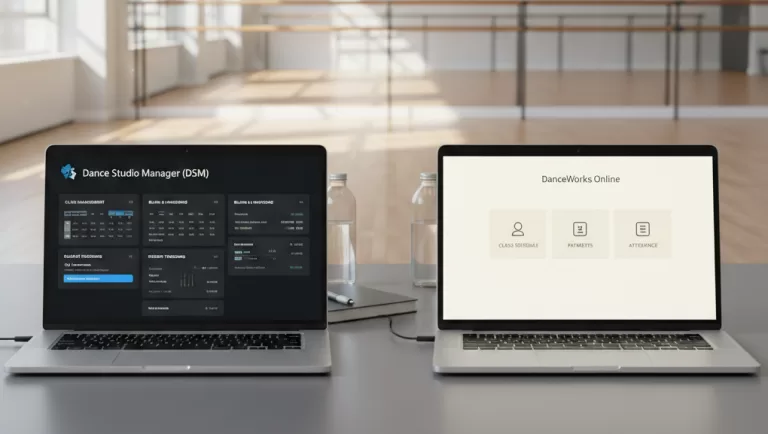
Some studio owners compare several systems before deciding. In addition to Class Manager and Studio Director, dance-focused software like Dance Studio Manager (DSM) is often reviewed as an alternative.
You may find these comparisons helpful:
These articles focus on modern tools and dance-specific workflows.
Which Software Should You Choose?
Choose Class Manager if:
You run a small studio
You prefer a simple system
You want fast setup
Choose Studio Director if:
You need detailed reports
You want more control
You plan to grow
Each studio has different needs. Comparing options helps you choose the right fit.
Frequently Asked Questions (FAQ)
Yes. Most studios find Class Manager easier to learn.
Yes. Studio Director includes more reporting and customization tools.
They work best for small to mid-size studios.
Yes. Dance-focused platforms like Dance Studio Manager are often considered.
-
-
-
-
-
-
-
-
-
-
-
-
-
-
-
-
-
-
-
Dance Studio Software Comparison: DSM vs StudioBookings
LEGEND: = fully supported = limited = not a core feature Frequently Asked Questions (FAQ)
-