Dance Studio Manager vs Jackrabbit Dance: Which Platform Fits Real Studio Workflows?
Running a dance studio is not only about teaching. It is about keeping schedules, rooms, instructors, enrollment, payments, attendance, and parent communication connected in one reliable workflow. Choosing the right dance studio management software matters because small disconnects between those areas create extra office work fast.
This comparison focuses on what Dance Studio Manager (DSM) clearly supports inside the product: family ledgers, scheduled payments, client access, attendance tracking, reporting, and schedule management built around how studios actually operate. Where competitor details are not documented in the same way, studios should verify those workflows directly in a current Jackrabbit Dance demo.
Dance Studio Manager vs Jackrabbit Dance
Here is a quick checklist built around real studio workflows, not just generic feature language:
 |
 |
|
|
Room-aware schedule setup |
Rooms, instructors, capacity, and private links |
Verify room and role depth in a live demo |
|
Scheduling around real studio constraints |
Easy to manage multiple classes/rooms |
Limited visual overview |
|
Program and class-type flexibility |
Handles all programs seamlessly |
Verify overlap and conflict handling in a live demo |
|
Enrollment controls and access rules |
Waitlists, drop-ins, age ranges, and access rules |
Verify registration-rule flexibility directly |
|
Ledgers, payments, and family billing |
Pay Now, receipts, PDF invoices, and scheduled payments |
Verify family-ledger depth and payment workflow |
|
Operational reporting beyond enrollment |
Attendance, retention, cancellations, balances, waitlists |
Verify reporting depth against your own workflow |
|
Support for long-term growth & scaling |
Connected finance, client access, attendance, and reporting |
Verify how connected the workflow feels in practice |
|
Customer support & community |
Support resources plus product workflow depth |
Compare support expectations directly |
|
Modern, intuitive user experience |
Built around day-to-day studio tasks staying connected |
User experience should be checked in a current demo |
Comparison made in 2025
Why This Checklist Matters
Scheduling That Matches the Real Studio Floor
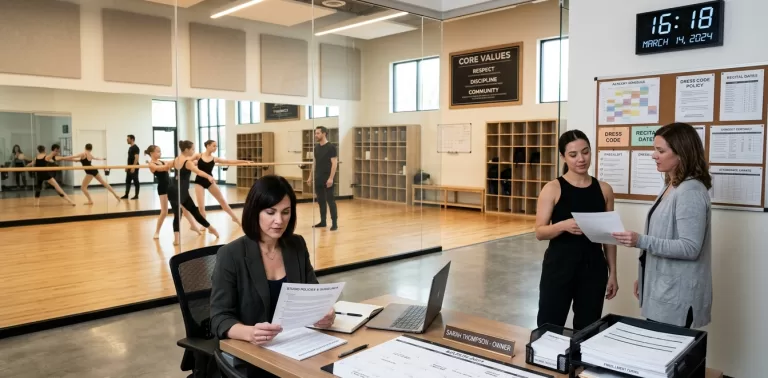
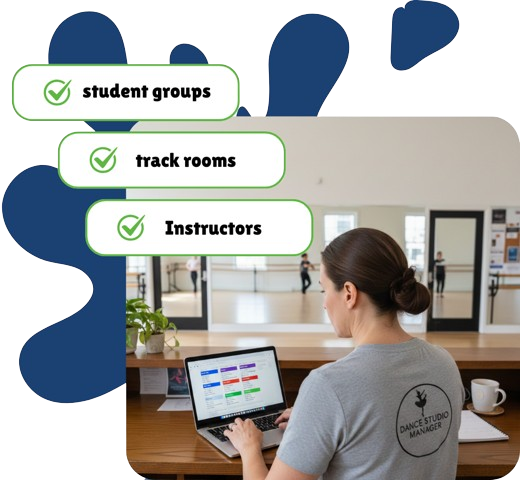
DSM schedules are built around real studio constraints: rooms, assigned instructors, instructor roles, class capacity, dates, times, notes, and even private registration links when needed. That matters because studios do not just need a calendar. They need a schedule that stays connected to what is actually happening in the building.
Enrollment Controls for More Than One Kind of Class
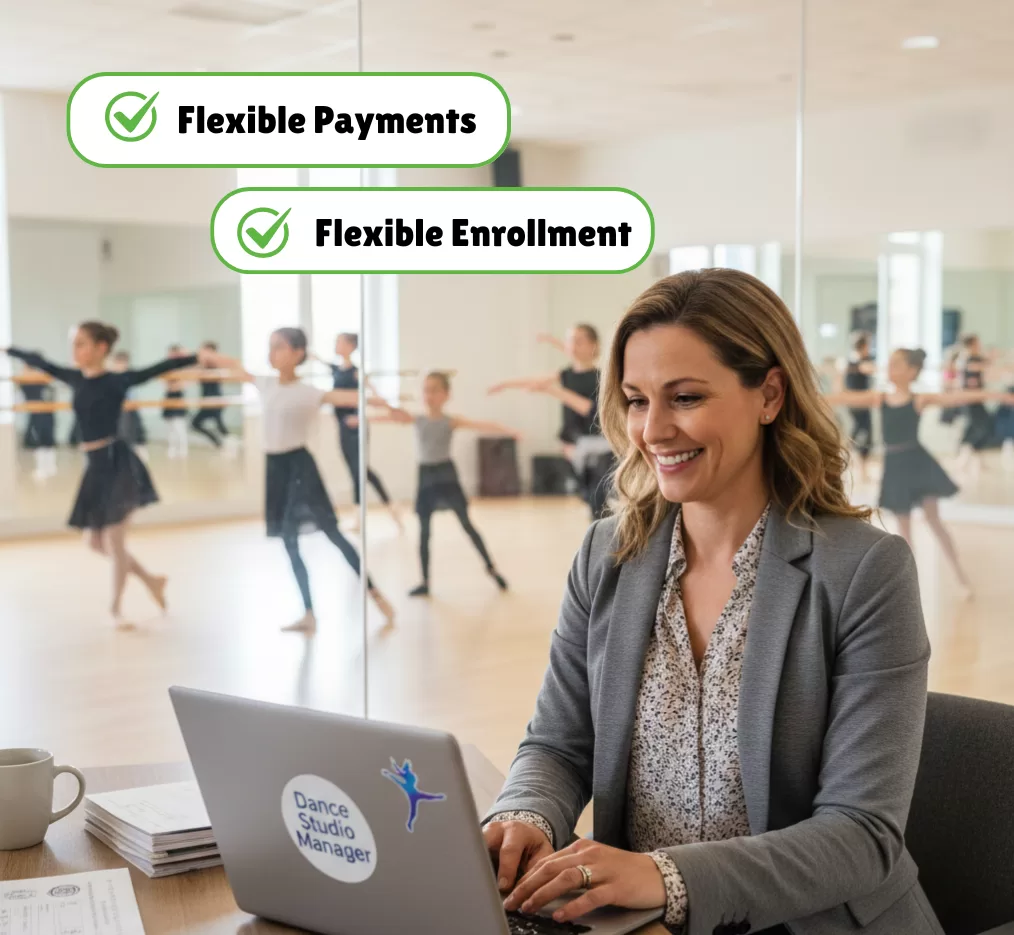
DSM supports group classes, private lessons, coaching, recital-style programming, and event classes inside the same operational system. Studios can manage drop-ins, unpaid registration, waitlists, age ranges, billing schedules, member-category access, and prerequisites instead of forcing every offering into one simple enrollment pattern.
Family Ledgers Built for Real Studio Billing
DSM gives staff and families a clearer billing workflow: charges, payments, balances, scheduled payments, cards and ACH, receipts, and PDF invoices all tie back to the family ledger. Studios can also control what families see in the Online Client, including charge and payment date ranges, totals, and balance visibility, while still offering a Pay Now path when online payments are enabled.
Attendance and Reporting Tied Back to Operations
DSM attendance workflows are more useful when they stay connected to operations. Studios can track statuses such as attended, waiting, early cancel, late cancel, no show, cancelled, and scheduled, then review that activity in reports tied to attendance, retention, cancellations, balances, waitlists, clients at risk, utilization, and auto payments.
Support Plus a Workflow That Holds Together
Support matters, but the bigger point is workflow depth. DSM is stronger when daily studio tasks stay connected instead of living in separate silos: schedules connect to rooms and instructors, ledgers connect to payments and client access, attendance connects to cancellations and reports, and finance connects to memberships, scheduled payments, and family follow-up.

The strongest case for Dance Studio Manager is not that it uses bigger marketing language. It is that the product is built around the daily operational reality of dance studios: schedules, rooms, instructors, students, families, ledgers, recurring payments, client access, attendance, and reporting all stay connected in one workflow.
If your studio wants software that can support real operational complexity as you grow, DSM is the more grounded platform to evaluate closely.
Questions Studios Usually Ask
Does Dance Studio Manager let families pay from their online ledger?
Yes. When a family has a balance and online payments are enabled, DSM can present a Pay Now option in the Online Client. The ledger can also show receipts, totals, balances, and PDF invoices depending on your settings.
Can studios control what families see on the ledger?
Yes. DSM includes Online Client ledger settings for charge and payment visibility, date ranges, total charged, total paid, pending amounts, balance visibility, and invoice download options.
Does DSM support multiple rooms and instructors?
Yes. Schedules can include rooms, instructor assignments, instructor roles, class capacity, private registration links, notes, dates, and times, which is important for studios managing more than one space or teaching team.
Does DSM support waitlists, drop-ins, and different registration rules?
Yes. DSM class setup supports waitlists, drop-ins, unpaid registration, age ranges, billing schedules, member-category access rules, and prerequisites when enabled.
Does DSM support recurring or scheduled payments?
Yes. DSM includes scheduled payments, auto payments, payment plans, memberships, payment history, on-hold payments, and saved card or ACH workflows.
What attendance and cancellation statuses does DSM support?
DSM can support statuses such as attended, waiting, early cancel, late cancel, no show, cancelled, cancelled hidden, and scheduled, with labels that can be customized in some setups.
Does DSM include reports beyond basic enrollment lists?
Yes. DSM reporting extends into attendance, cancellations, retention, clients at risk, room booking, utilization, balances, waiting lists, and auto payments, which makes it more useful for day-to-day operations.
Is DSM only for staff, or does it include a client portal too?
DSM includes an Online Client area where studios can expose selected financial, scheduling, purchase, video, and family-account workflows to parents and students based on their settings.
-
CardConnect Payment Processing
CardConnect / Clover payment processing for DSM Point-of-sale support for studios that still take payments in person. CardConnect is closely tied to the Clover payments ecosystem. Inside Dance Studio Manager, the value is practical: terminals, tap and chip workflows, front-desk checkout, and payment records that still make sense inside your studio software. Ask DSM About…
-
-
-
-
Signs Your Dance Studio Needs Better Management Software
Signs Your Dance Studio Needs Better Management Software Most dance studios do not realize they have outgrown their current system until the same problems keep showing up: missed payments, messy schedules, parent questions, attendance gaps, and too many hours spent fixing admin details. Spreadsheets and basic calendars may work when your studio is small. But…
-
What Dance Studios Really Need in 2026
What Dance Studios Really Need in 2026 Dance studios in 2026 are operating in a very different environment compared to just a few years ago. It is no longer just about running classes and teaching choreography. Today's studios are dealing with higher parent expectations, faster communication demands, more complex schedules, increased competition, and growing administrative…
-
-
Dance Studio Scheduling Mistakes That Cost You Students (And Money)
Dance Studio Manager helps reduce scheduling guesswork by tying each class schedule to real studio data. Instead of placing classes based on instinct alone, studios can review assigned students, attendance status, instructor assignments, class capacity, and schedule-level details in one place. For a broader look at how the platform handles recurring class setup, calendars, and…
-
-
Moneris Payment Processing
Moneris Payment Processing for Dance Studio Manager A strong Canadian payment option for studios that want secure online billing, recurring payments, and reliable in-person collection. Moneris gives Dance Studio Manager customers a payments story that fits Canada especially well, combining online payments, payment devices, gateway and API tools, and fraud-focused support in a processor brand…
-
Paystri Payment Processing
Paystri Payment Processing for Dance Studio Manager Integrated payments built for studios that want secure online billing, recurring tuition, and a smoother parent payment experience. Paystri gives Dance Studio Manager customers a modern processor story centered on hosted payment forms, recurring billing, tokenization, payment devices, and strong customer support without making your team fight a…
-
-
-
-