Dance Studio Manager in action
Modern tools for scheduling, staff, students, and studio operations.
Get a quick look at the refreshed DSM experience. These screenshots show real workflows in the current interface, with sample data where personal details would normally appear.
Calendar
See every class, lesson, and studio event in one place.
The calendar keeps busy studios organized with color-coded classes, private lessons, instructor assignments, and quick switching between month, week, day, and list views.
- Review the full month without losing the details that matter.
- Filter by location, program, level, instructor, and class type.
- Use responsive views when you need to check the schedule away from the desk.

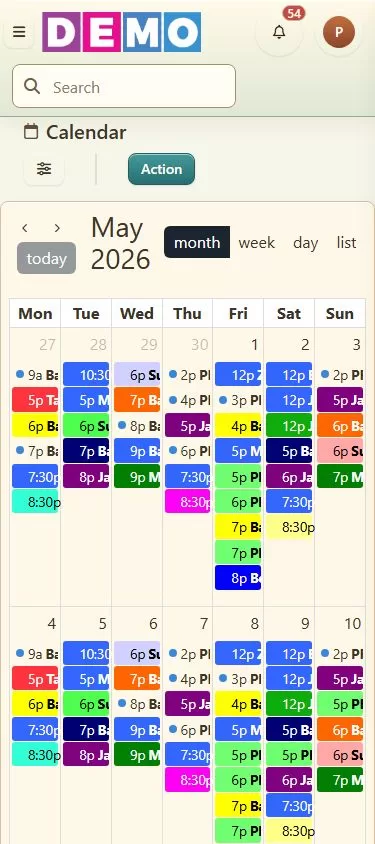
Desktop and mobile calendar views show the same schedule adapting across screen sizes.
Current screenshot set
We are refreshing this library with current screenshots. The first set focuses on scheduling and staff management, with more billing, student, registration, reporting, and client portal views coming soon.
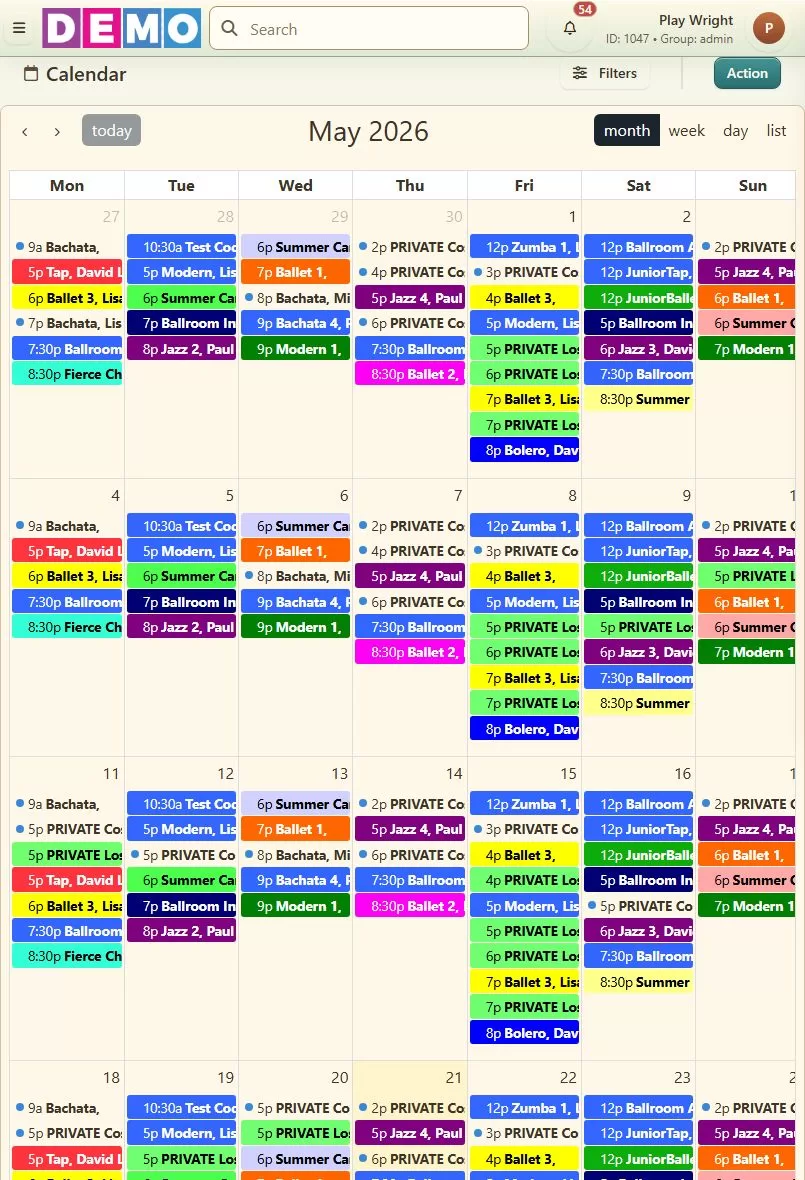
Tablet calendar
A wider responsive calendar view for tablets and smaller laptops.
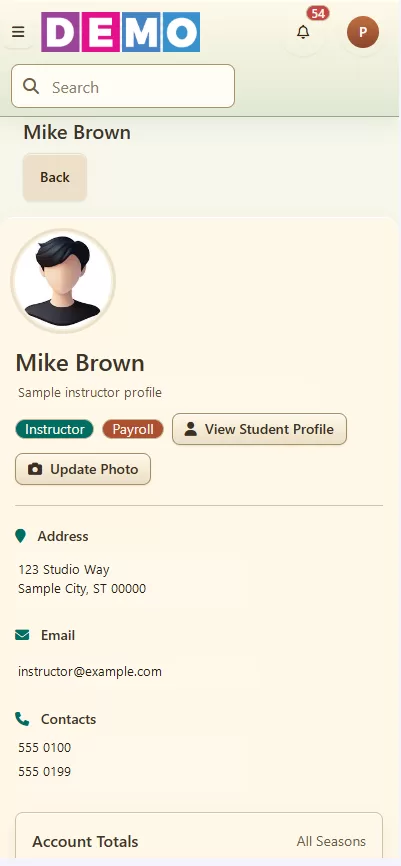
Mobile staff profile
Instructor information and account totals remain easy to scan on a phone.