How to Use Stripo Email Templates in Dance Studio Manager (DSM)
Create Beautiful Email Templates for Your Dance Studio
Looking to create beautiful and professional email templates for your dance studio? With Stripo and Dance Studio Manager (DSM), it’s easier than ever to design, customize, and send branded email campaigns that reflect your studio’s personality.
In this tutorial, we’ll show you how to design an email template in Stripo and use it inside DSM for announcements, promotions, or class reminders.
What You’ll Need
A free Stripo account a Title
Access to your DSM dashboard
Basic knowledge of editing HTML emails
✅ Step 1: Create an Account on Stripo
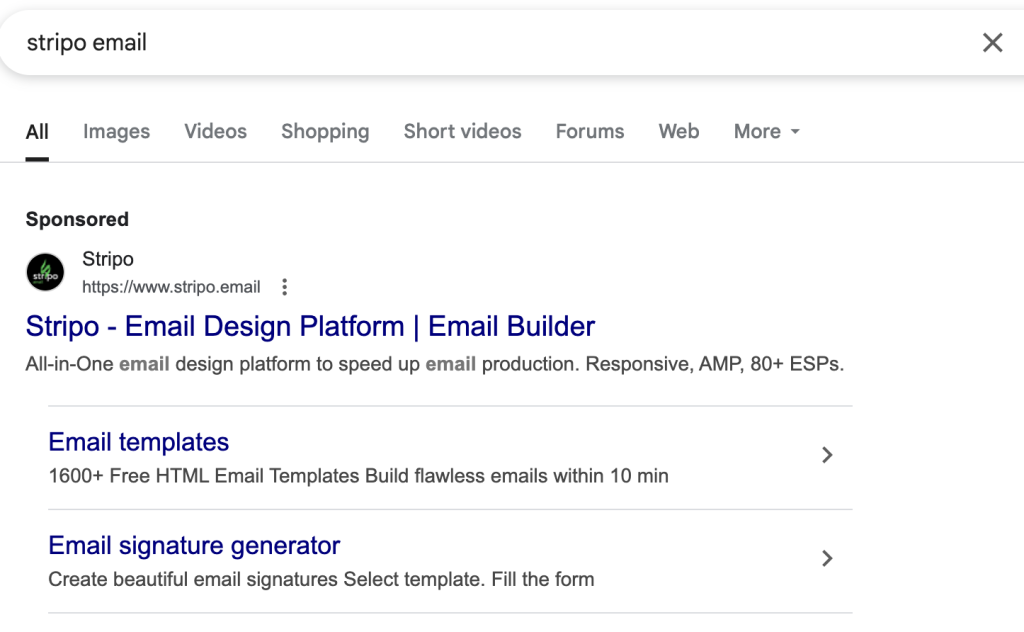
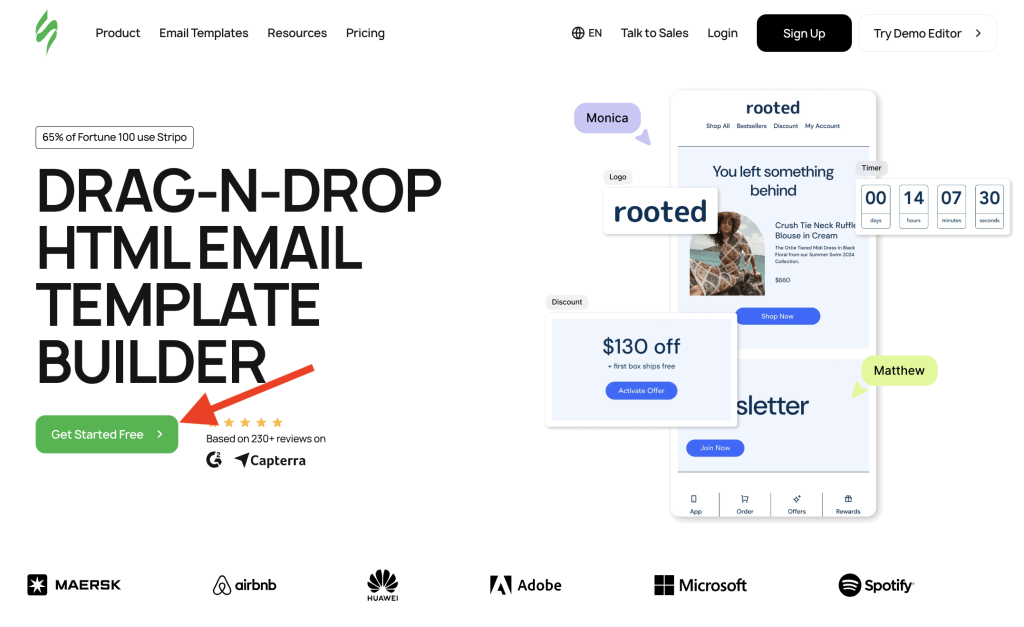
Go to stripo.email and create a free account. Stripo offers an intuitive drag-and-drop email builder, along with pre-built templates.
✅ Step 2: Choose a Template
Once inside Stripo:
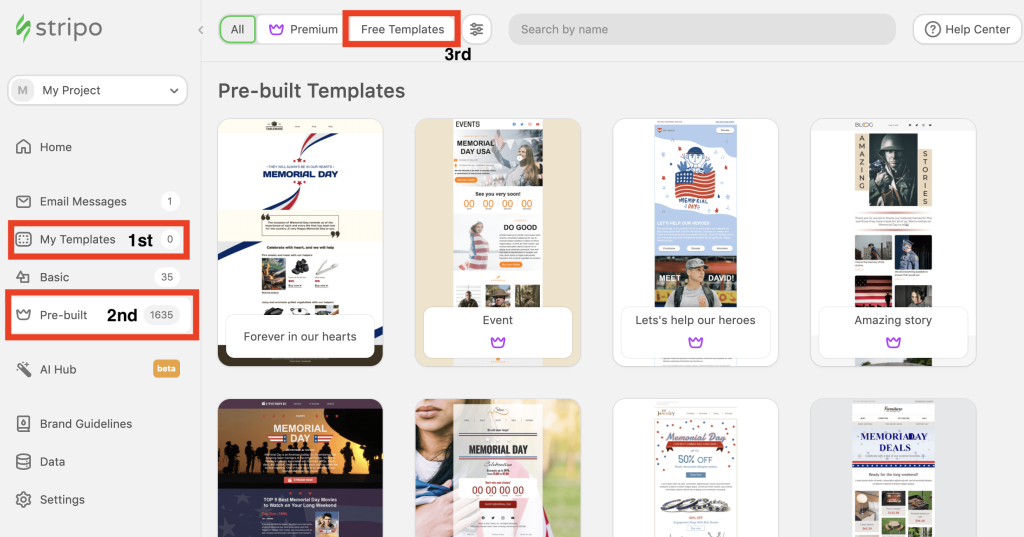
- Go to My Templates
- Under Pre-Built, select Free Templates
- Choose a layout that fits your studio’s style
✏️ Step 3: Customize the Email
Edit your selected template:
- Update text and colors
- Replace images with your own
- Edit buttons and links to point to your studio’s site or booking page

✅ Step 4: Export the HTML
Once your email is ready:
- Click Export (top right)

- Select File > HTML
- Click “Show HTML Code”
- Copy the full HTML code


✅ Step 5: Paste the Template into DSM
In your DSM account:
- Go to Messaging > + New Email
- Enter a subject line
- Click the
</>icon to switch to HTML view - Paste your HTML code
- Check the “Template” box
- Click Save Changes


✅ Step 6: Preview and Send
After saving:
- Preview your message
- Send a test email to yourself
- Send it to students or schedule it for later


✅ And You’re Done!
Now you have a professional, branded email template ready to go from DSM! Save time and create consistency across your studio communications.
If this was helpful, share it with fellow dance studio owners or leave a comment below!
Useful Links:
-
-
-
-
Signs Your Dance Studio Needs Better Management Software
Signs Your Dance Studio Needs Better Management Software Most dance studios do not realize they have outgrown their current system until the same problems keep showing up: missed payments, messy schedules, parent questions, attendance gaps, and too many hours spent fixing admin details. Spreadsheets and basic calendars may work when your studio is small. But…
-
What Dance Studios Really Need in 2026
What Dance Studios Really Need in 2026 Dance studios in 2026 are operating in a very different environment compared to just a few years ago. It is no longer just about running classes and teaching choreography. Today's studios are dealing with higher parent expectations, faster communication demands, more complex schedules, increased competition, and growing administrative…
-
-
Dance Studio Scheduling Mistakes That Cost You Students (And Money)
Dance Studio Manager helps reduce scheduling guesswork by tying each class schedule to real studio data. Instead of placing classes based on instinct alone, studios can review assigned students, attendance status, instructor assignments, class capacity, and schedule-level details in one place. For a broader look at how the platform handles recurring class setup, calendars, and…
-
-
Moneris Payment Processing
Moneris Payment Processing for Dance Studio Manager A strong Canadian payment option for studios that want secure online billing, recurring payments, and reliable in-person collection. Moneris gives Dance Studio Manager customers a payments story that fits Canada especially well, combining online payments, payment devices, gateway and API tools, and fraud-focused support in a processor brand…
-
Paystri Payment Processing
Paystri Payment Processing for Dance Studio Manager Integrated payments built for studios that want secure online billing, recurring tuition, and a smoother parent payment experience. Paystri gives Dance Studio Manager customers a modern processor story centered on hosted payment forms, recurring billing, tokenization, payment devices, and strong customer support without making your team fight a…
-
-
-
-
-