If you are planning to setup Holidays in DSM, it is recommended that you set them up in advance, and maybe soon after you add classes. When you set a holiday (ex. Dec 25, Christmas), the system will delete any schedules you have setup for classes, but you still could then go back and add schedules at a later date if you will. So let's go through this process.
You can see here on the Calendar there is a Jazz 101 class scheduled for New Year's Day
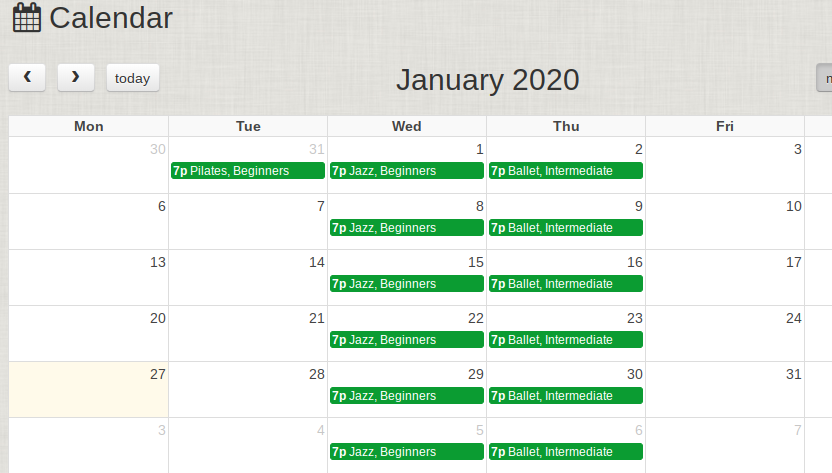
So I want to make New Year's Day a holiday on the calendar. I will click on any white space on this day (so above the green bar and to the right of the "1" for example). And I will arrive on a page like this:
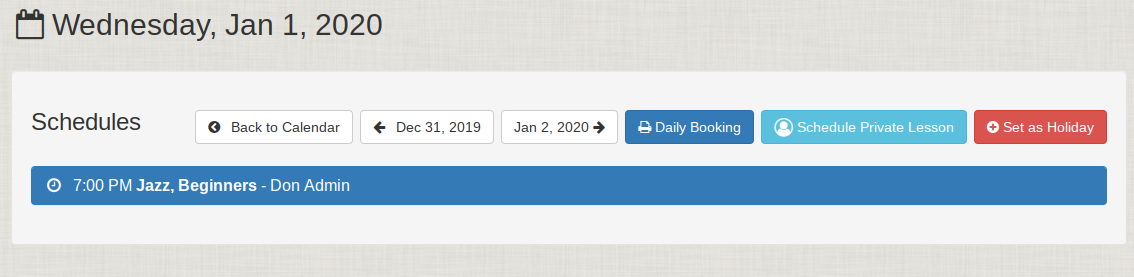
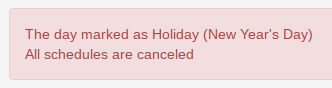
You can see the red Set at Holiday button. I just press this, and enter the name of the Holiday. Afterward, the Calendar will show New Year's Day as a holiday. I will get a message like this:
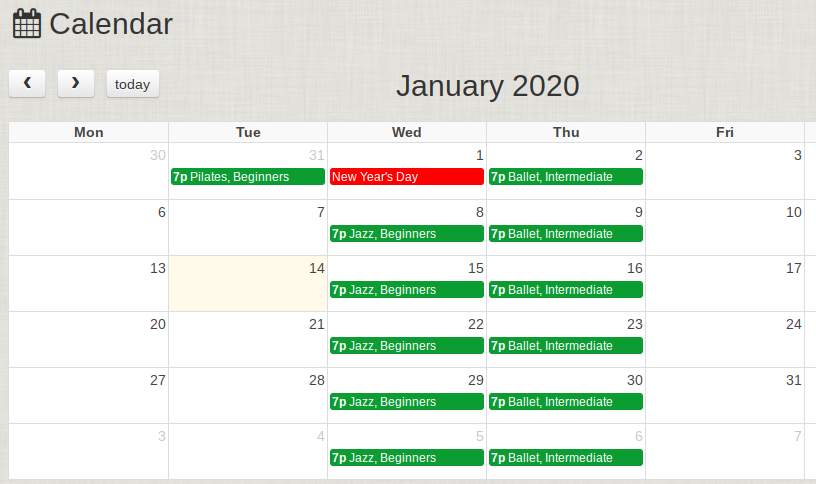
And now the Calendar will look like this: